
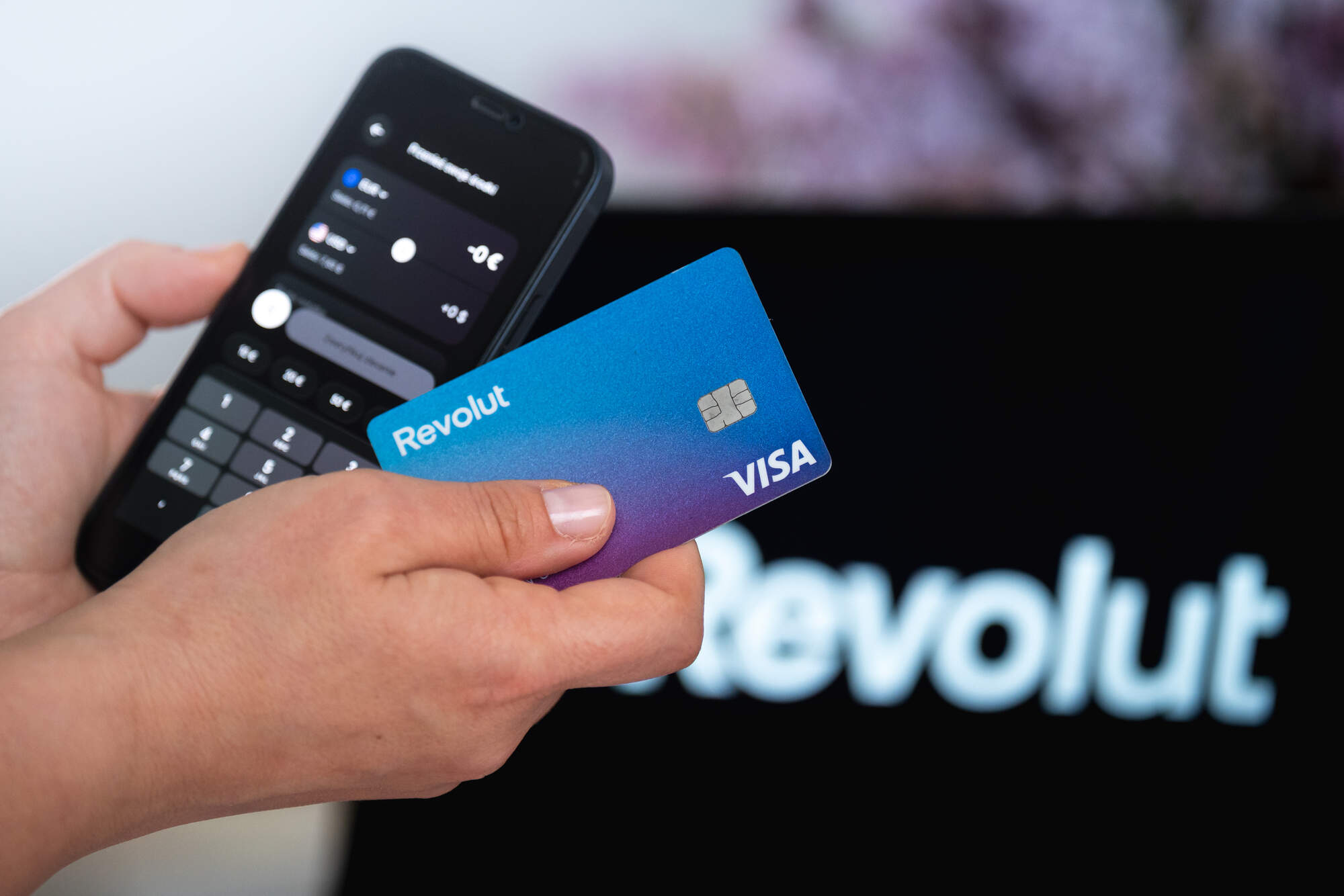
With uncertainty over how many Irish people have been affected by the Revolut data breach, here are seven practical steps that will help lock down your account and thwart scammers
Revolut says it was tricked into handing over sensitive customer information, including passport data, driver’s licences, phone numbers, addresses and birthdays. Armed with this information, a fraudster can potentially take over your account, draining it and any cards linked to it.
Alternatively, they can sell the information to a wide range of other scammers who can then pepper you with texts, emails and calls in an attempt to trick you.
Revolut, which is Ireland’s biggest payments service with 3.4m Irish customers, won’t say exactly who was affected or how many Irish people may have had their sensitive data stolen.
Here are seven steps that Irish Revolut customers should now follow.
1. Contact Revolut within the app
Within the Revolut app, tap your account image (in the top left corner of the screen) and then ‘chats’. Type something as follows: “hi there, can you confirm whether my personal data was affected in the data breach that Revolut has disclosed over the last 24 hours?” When we did this, we received a reply within 30 seconds confirming that our account was not impacted. The reply added: “Revolut’s systems and customer funds are unaffected. Revolut has reached out directly to the small number of affected customers to support them, and no email notification was sent to you as you’re not among them. There’s nothing you need to do, no action is required on your part. That said, it’s always good practice to stay alert for any suspicious emails, calls, or texts impersonating Revolut and remember we’ll never ask for your password or full security details outside the app.”
Confusingly, the Irish Independent has seen correspondence from Revolut customers with business accounts who entered a request, as above, and received a different answer. The answer from Revolut denies any data breach and warns that any “SMS, email or phone call claiming your account was affected by a breach… is highly likely to be a phishing scam”.
2. Check ‘active devices’ attached to your account
In the app, tap on your account (top left), then ‘security’, then ‘devices’. This will reveal to you which phones are using your Revolut account. If you see one you don’t recognise, tap on it and it will show you on a map where it’s operating from. Then tap ‘log out’ to disconnect it.
3. Turn on ‘biometric sign-in’ and change your passcode
Still in the ‘security’ menu, tap ‘sign-in and passcode’. If it’s an iPhone, the first option will say ‘sign in with Face ID’. Tap that on. If it’s an Android phone, you will see a similar option for fingerprint ID. This is generally a more secure way of managing your account on your phone. In the same menu, tap ‘change passcode’. It will ask for a selfie to verify your identity.
4. Turn on Revolut notifications
In your phone’s settings (as opposed to Revolut’s settings), go to notifications and then Revolut. Tap ‘allow notifications’. This allows the app to notify you after every transaction, for peace of mind. Make sure to restrict this only to transaction notifications by going into your Revolut account icon (again, top left of screen), tapping ‘notification settings’ and then toggling off the marketing options, such as ‘personalised Revolut offers’ and ‘personalised revpoints promotions’.
5. Beware emails claiming to be from Revolut
A big irony about Revolut’s “reaching out” to “affected customers” via email is that email is exactly the way that a scammer would try to snare a victim. If you get an email that says it’s from Revolut, don’t click on anything in that email. Go into the app and use customer support (via the method in point 1) instead.
6. Beware calls and texts that appear to know you
The data breach included comprehensive data that could be very persuasive in convincing victims that a caller or texter is legitimately from Revolut. Do not take any action in relation to calls or texts claiming to be from Revolut. Instead, go back to the app and pursue any issues there.
7. Keep an eye on other bank accounts and credit cards
With the data that Revolut mistakenly supplied to fraudsters, identity theft is a real risk. Monitor other financial accounts that you have and change passwords attached to any of them as a security precaution.